Vinyl Sticker Small Size

0,00 

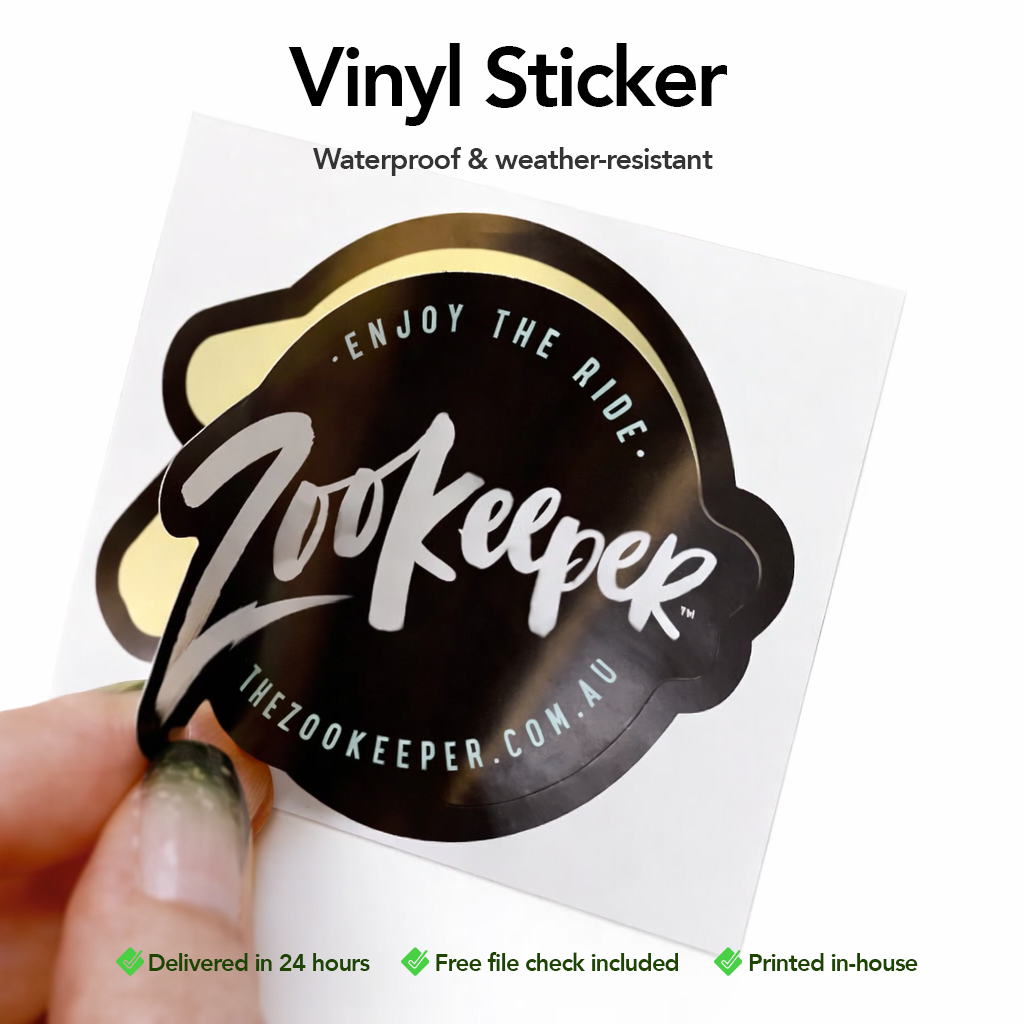
Durable, waterproof, and made to last.
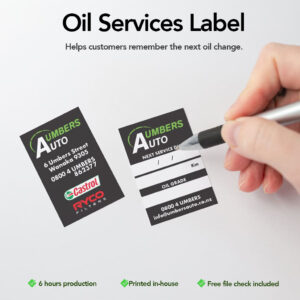
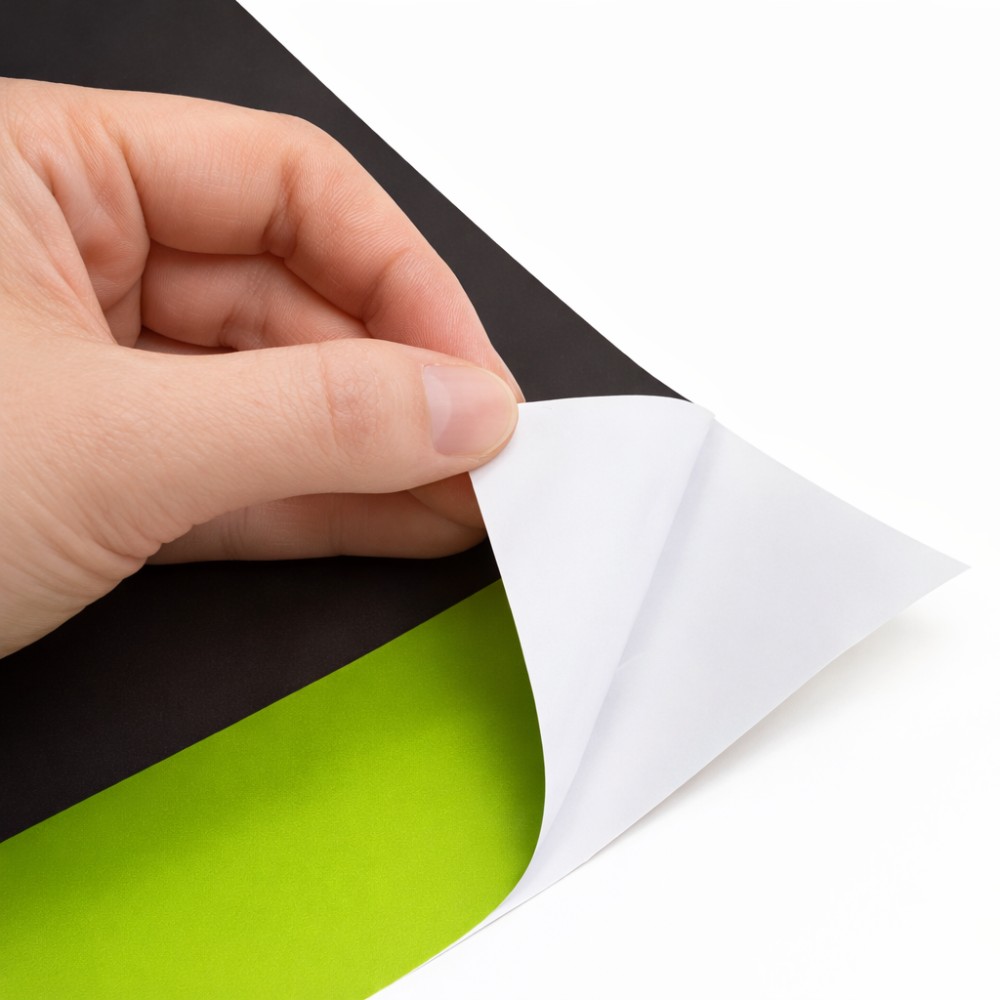
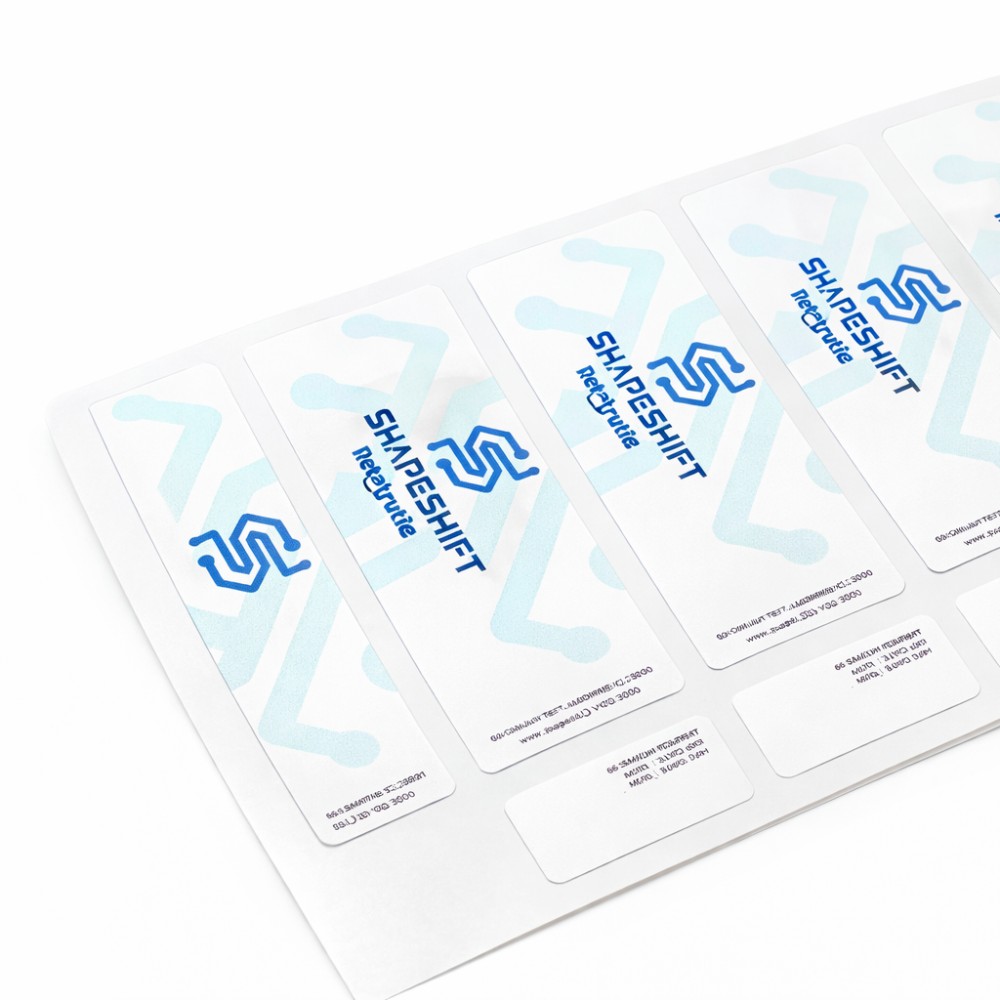
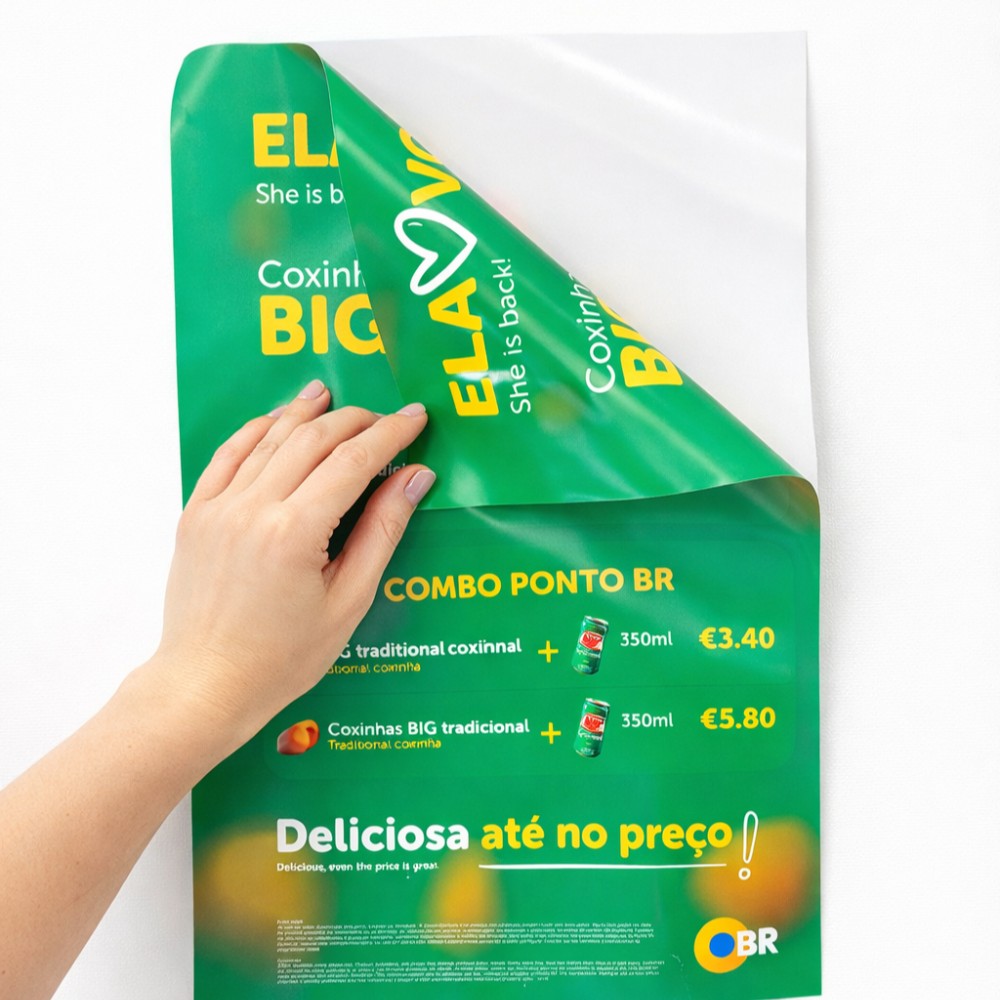
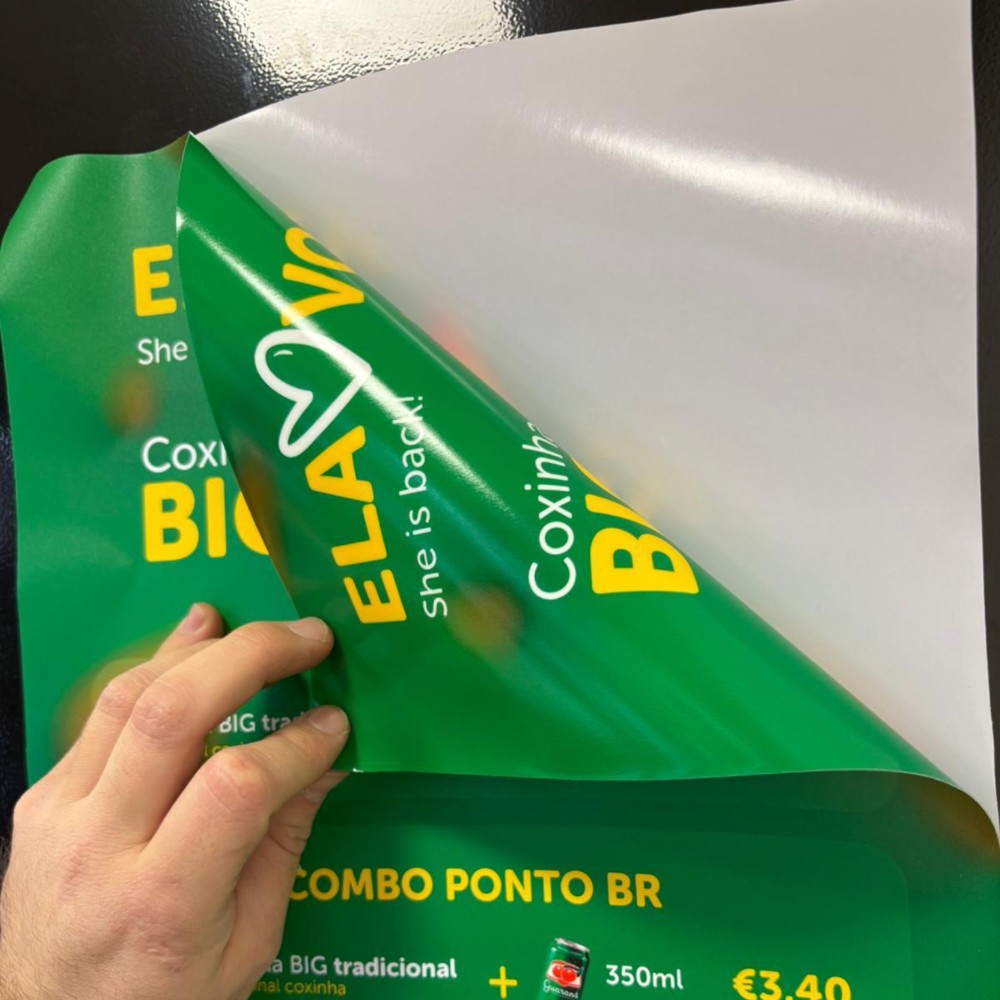
Our small-size vinyl stickers are printed in-house using high-quality materials, making them perfect for branding, packaging, promotions, and everyday use.

Size
Width (cm)
Height (cm)
Total area (m²)
Vinyl Type
Lamination (extra) i
Application (extra)
Production (extra) i
Units
Units
Upload print-ready file (optional)
Drag & drop files or
Optional. Maximum 20 files.
Total
Price per m² + extras

Description

Designed to withstand water, cold temperatures, and outdoor conditions, these stickers keep their colours and adhesion even in demanding environments.

Key Features

  • Minimum order: 100 units

  • Waterproof and weather-resistant

  • Resistant to cold and freezing conditions

  • Strong adhesion with long-lasting durability

  • High-definition print quality

Available Sizes

Choose from standard small sizes or create a custom size to suit your needs.

Vinyl Options

  • White vinyl

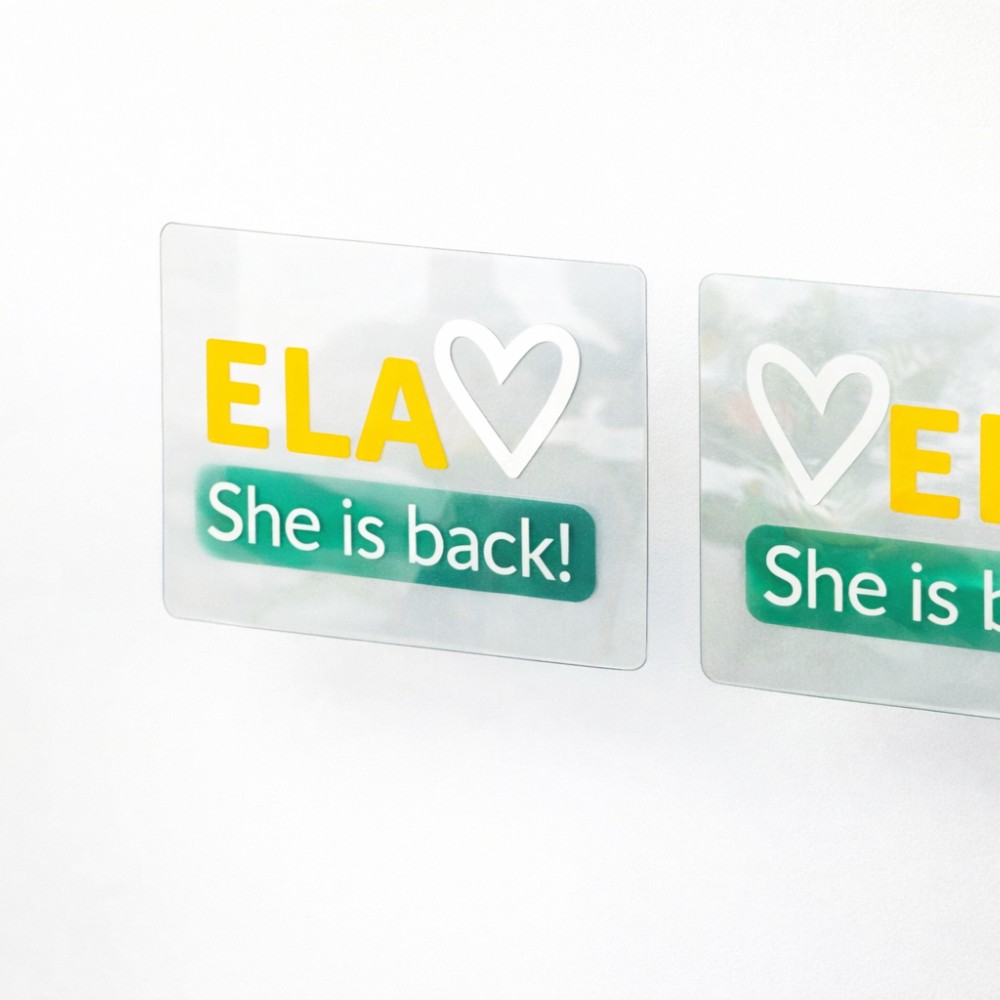
  • Transparent vinyl

  • Transparent vinyl with white ink

  • Transparent vinyl (double-sided)

Cut & Finishing Options

  • Straight cut

  • Circular cut

  • Custom shape (on shape)

Cut types:

  • Kiss cut

  • Die cut

  • With or without weeding (excess removal)

Production Options

  • Standard production

  • Express production (6-hour option available)

Perfect For

  • Product packaging

  • Branding and logo stickers

  • Promotional giveaways

  • Bottles, jars, and containers

  • Indoor and outdoor use

Why Choose Inkvasion Vinyl Stickers

  • Printed in-house

  • Free file check included

  • Fast turnaround

  • Consistent, professional results

👉 Strong, waterproof stickers designed to perform in any environment.
Step 1 — Download the Template

Download the template available on this page before creating your artwork.

  • The template shows the correct size, cut line, and safe area

  • Do not resize or modify the template proportions

  • Keep all guide lines visible while designing

📌 Files created without the template may result in incorrect cuts or positioning.


Step 2 — Place Your Design Inside the Template

When designing your sticker:

  • Keep logos and important elements inside the safe area

  • Extend backgrounds or full-colour designs to the bleed area

  • Do not place important content on the cut line

This prevents unwanted white edges or cropped elements.


Step 3 — Example (How It Should Look)

Correct example:

  • Logo fully inside the safe area

  • Background extends beyond the cut line

  • Design centred and aligned

Incorrect example:

  • Text too close to the edge

  • Background not extended to bleed

  • Logo touching the cut line

👉 Always follow the example provided in the template.


Step 4 — Colour & Technical Setup

Before exporting your file:

  • Use CMYK colour mode

  • Convert all fonts to outlines / curves

  • Convert effects (shadows, transparencies) into images if needed

This ensures colour accuracy and avoids missing fonts.


Step 5 — Export Your File

Export your artwork as:

  • PDF (recommended)

  • PNG or JPG (high quality)

Make sure:

  • File is exported at actual size

  • No compression or “web” export settings are used


Step 6 — Upload Your File

Upload your print-ready file on the product page.

  • A free file check is included

  • If any issue is found, we’ll contact you before printing

  • Printing only starts after file approval


Important Notes

  • Files not following the template may cause cutting or alignment issues

  • We print exactly what is supplied

  • Reprints due to artwork errors may incur additional costs

If you’re unsure, upload your file anyway and leave a note — we’ll review it.


Quick Checklist

  • Template downloaded and used

  • Design inside safe area

  • Background extended to bleed

  • CMYK colours

  • Fonts converted to outlines

Vinyl sticker small size