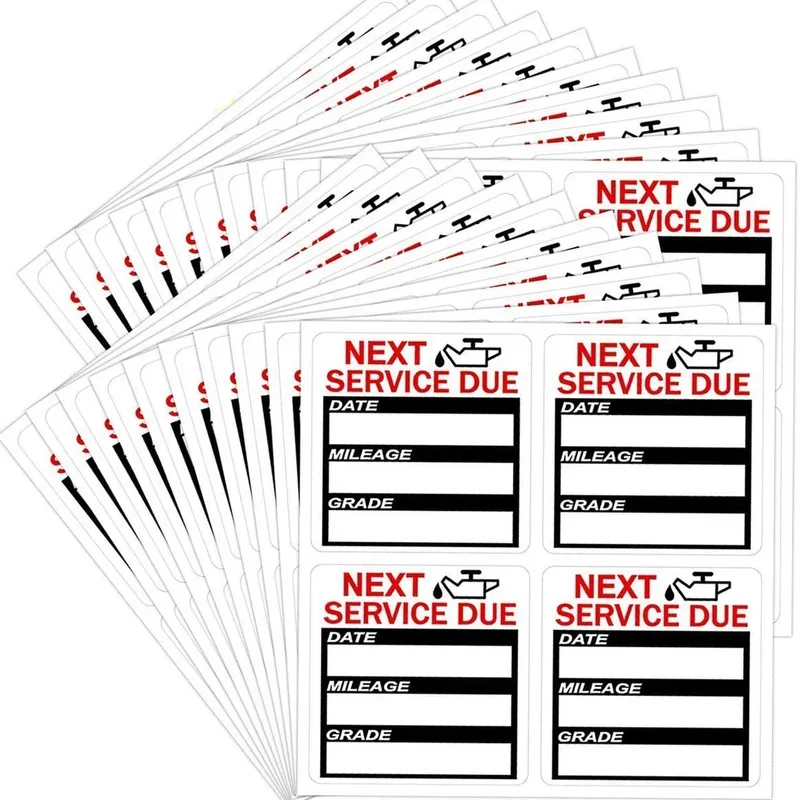
Oil Services Labels

0,00 €

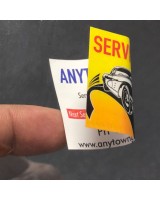
Clear, durable, and essential for vehicle maintenance reminders.
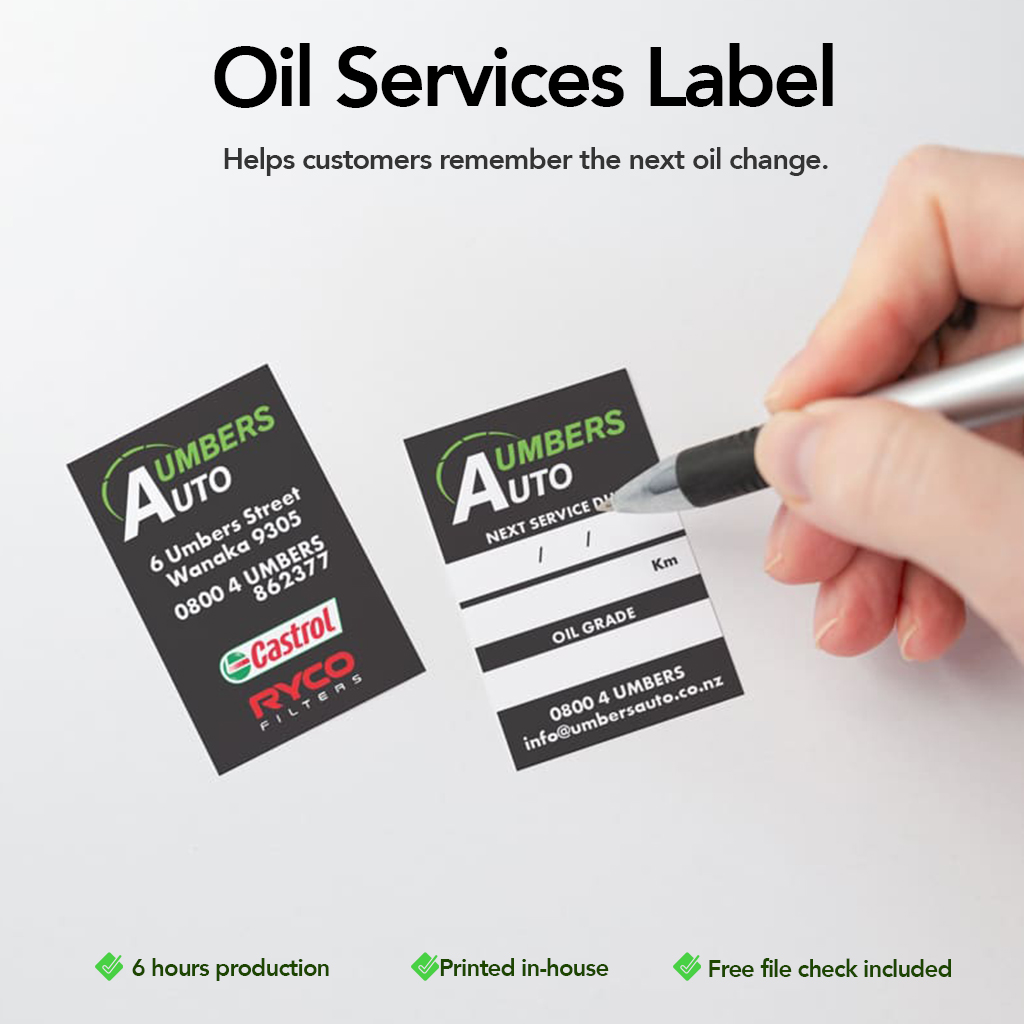
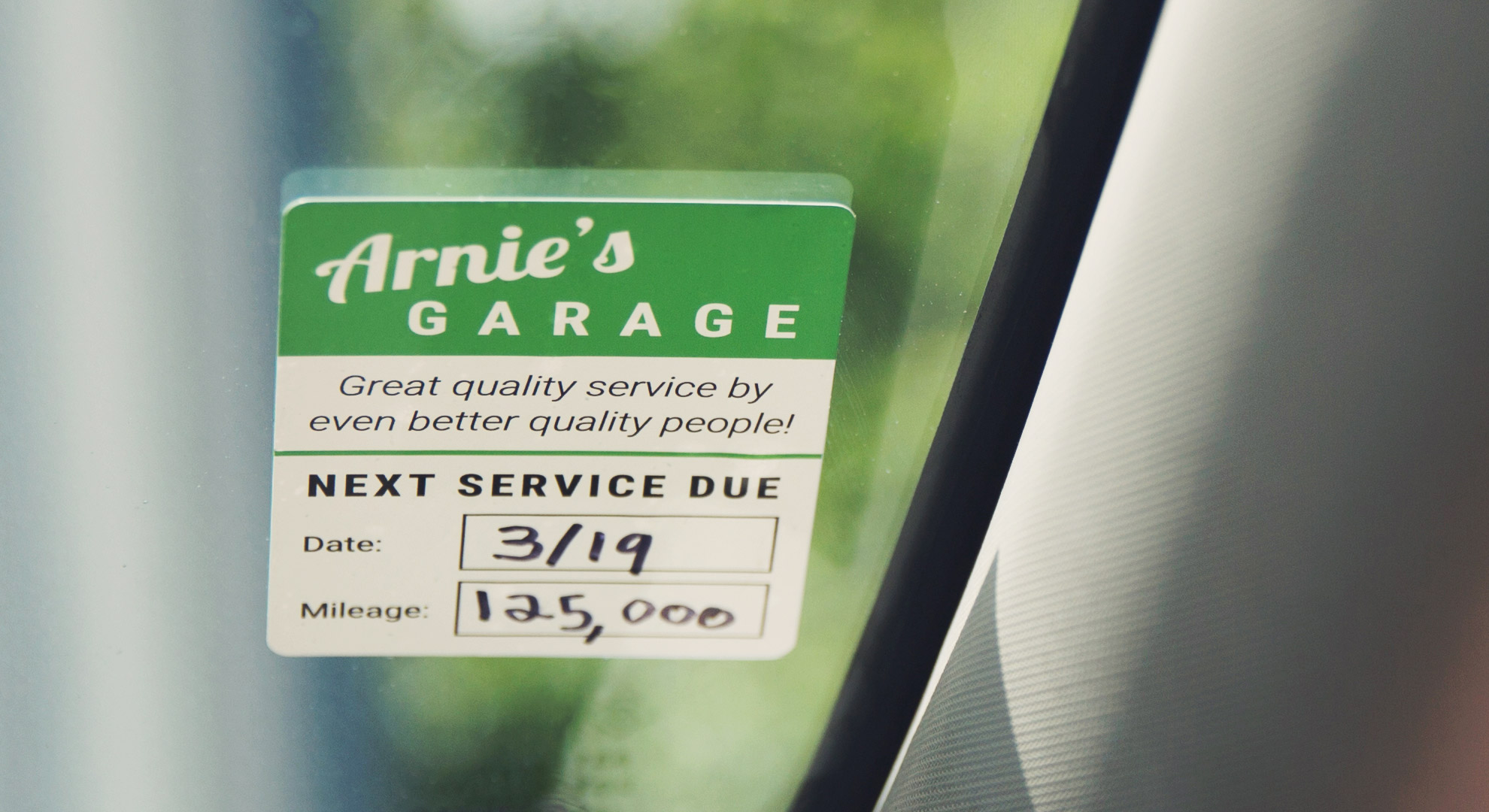
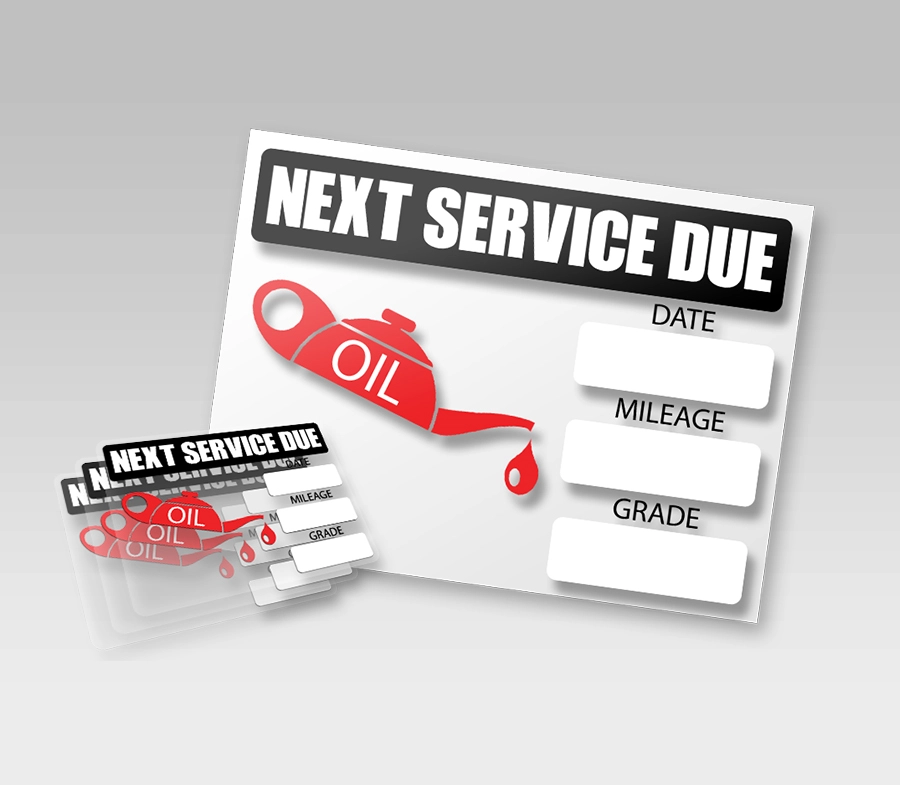
Our oil service labels are designed to help workshops, garages, and service centres communicate important oil change information clearly and professionally.

Size i
Printed Sides
Artwork
Turnaround
Quantity
Prices per 1 design/file.
Upload artwork (optional)
Drag & drop files or
Optional. Maximum 20 files.
Total
—

Description

Oil Service Label

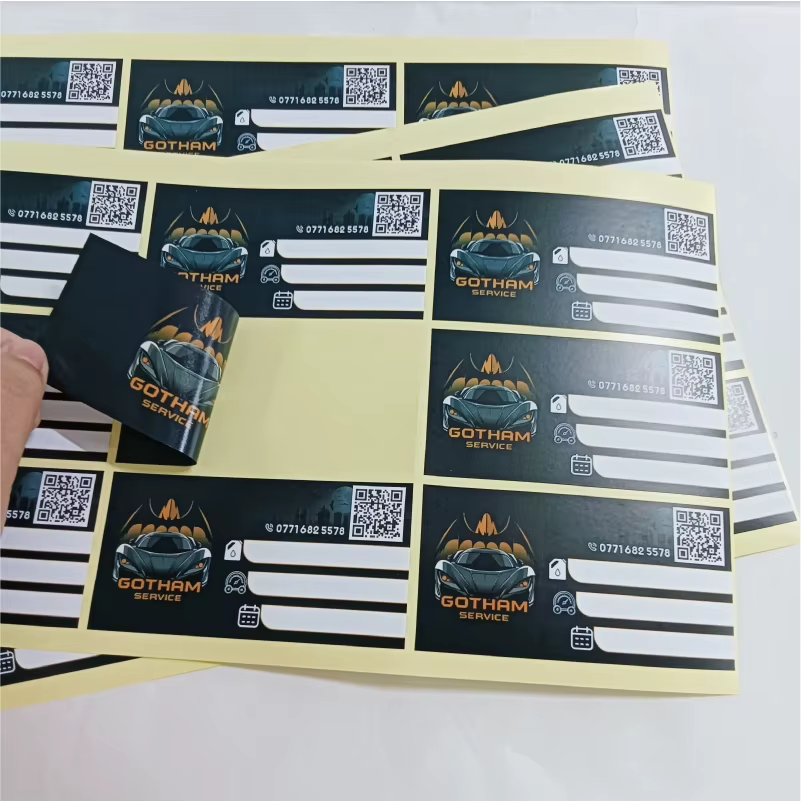
Printed on high-quality adhesive material, these labels are easy to apply and remain readable over time, making them ideal for everyday automotive use.


Key Benefits
  • Clear oil change reminders for customers

  • Professional and easy-to-read layout

  • Strong adhesive for reliable application

  • Durable print for daily workshop use

  • Clean, professional appearance


Available Sizes

Choose the size that best fits your needs:

  • 5 × 5 cm

  • 7 × 7 cm

  • 9 × 9 cm

  • 5 × 7 cm

  • 5 × 9 cm


Ideal For
  • Car service centres

  • Mechanics and workshops

  • Oil change reminders

  • Fleet maintenance

  • Automotive businesses


Customisation Options
  • Add your logo and brand details

  • Space for mileage, date, and next service information

  • Clean layouts designed for quick writing


Artwork & File Upload
  • Upload your print-ready file directly on the product page

  • A free file check is included

  • Don’t have artwork ready? Talk to our designer


Why Choose Inkvasion Oil Service Labels
  • Printed in-house

  • Clear pricing

  • Professional, consistent results

  • Fast turnaround

A small label that delivers big value for your service and your brand.
How to Prepare & Send Your Files (Oil Service Labels – Front & Back)

To ensure your labels print correctly, please follow the steps below before uploading your artwork.


Step 1 — Choose Your Size

Select the label size on the product page:

  • 5 × 5 cm

  • 7 × 7 cm

  • 9 × 9 cm

  • 5 × 7 cm

  • 5 × 9 cm

👉 Your artwork must be created at the exact size selected.


Step 2 — Create Two Files (Front + Back)

This product requires two separate artworks:

  • Front (main label design)

  • Back (reverse side design)

📌 Make sure both files:

  • Have the same size

  • Use the same orientation (portrait/landscape)

Suggested file names:

  • OilLabel_Front.pdf

  • OilLabel_Back.pdf


Step 3 — File Setup (Best Quality)

Recommended:

  • Resolution: 300 DPI

  • Colour mode: CMYK

  • High-quality logos (vector preferred)


Step 4 — Bleed & Safe Margin (Recommended)

To avoid trimming issues:

  • Add 3 mm bleed if your background goes to the edge

  • Keep important text/logos at least 3–5 mm inside from the edge


Step 5 — Export Your Files

Recommended format:

  • PDF (print-ready)

Also accepted:

  • PNG / JPG (high quality)

Before exporting:

  • Convert fonts to outlines/curves

  • Flatten effects/transparencies when needed

  • Avoid “web” compression


Step 6 — Upload Both Files

Upload both the Front and Back files on the product page.

  • A free file check is included

  • If we find any issue, we’ll contact you before printing

  • Production starts only after file approval


Important Notes
  • We print exactly what is supplied

  • Low-resolution files may appear blurry/pixelated

  • Colours may vary slightly between screen and print

  • Reprints due to artwork errors may incur additional costs

If you’re unsure, upload your files anyway and leave a note — we’ll help you review it.


Quick Checklist
  • Correct size selected

  • Two files: Front + Back

  • Same orientation

  • CMYK

  • 300 DPI

  • Bleed/safe margin respected

  • PDF export