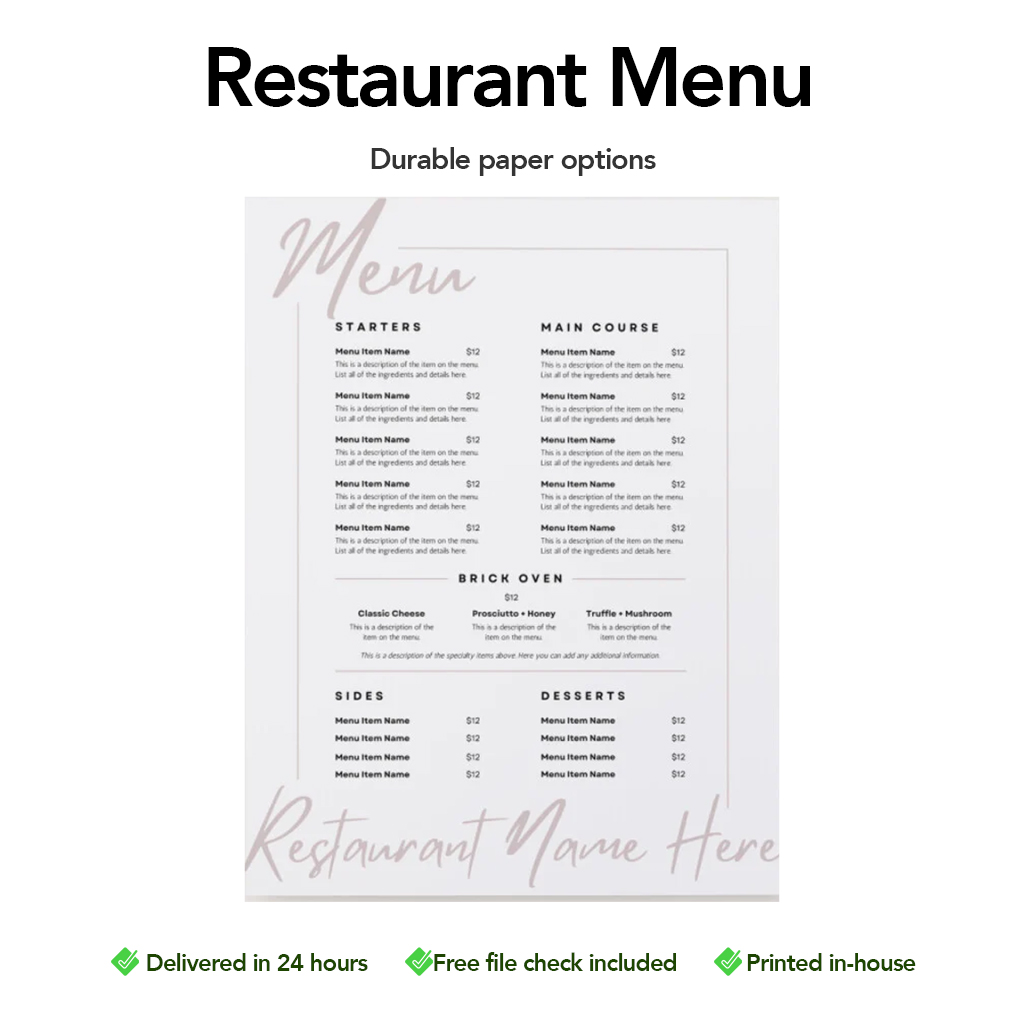
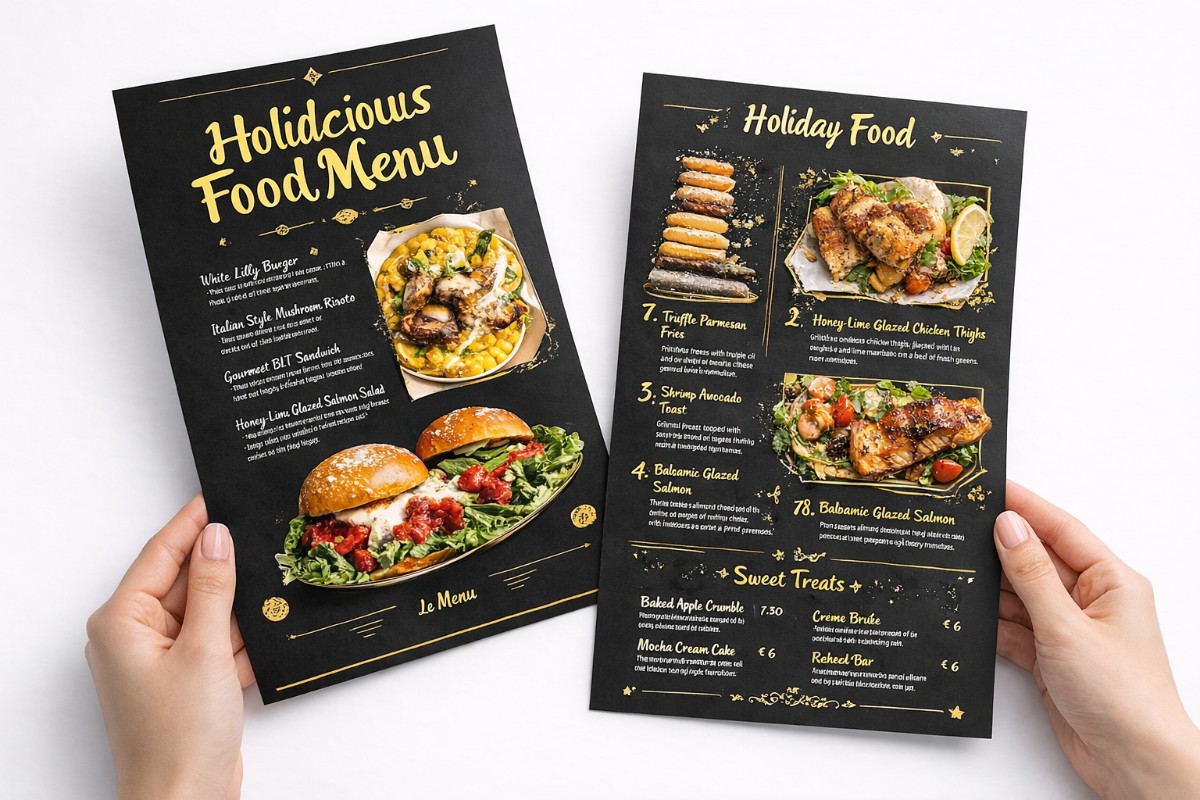
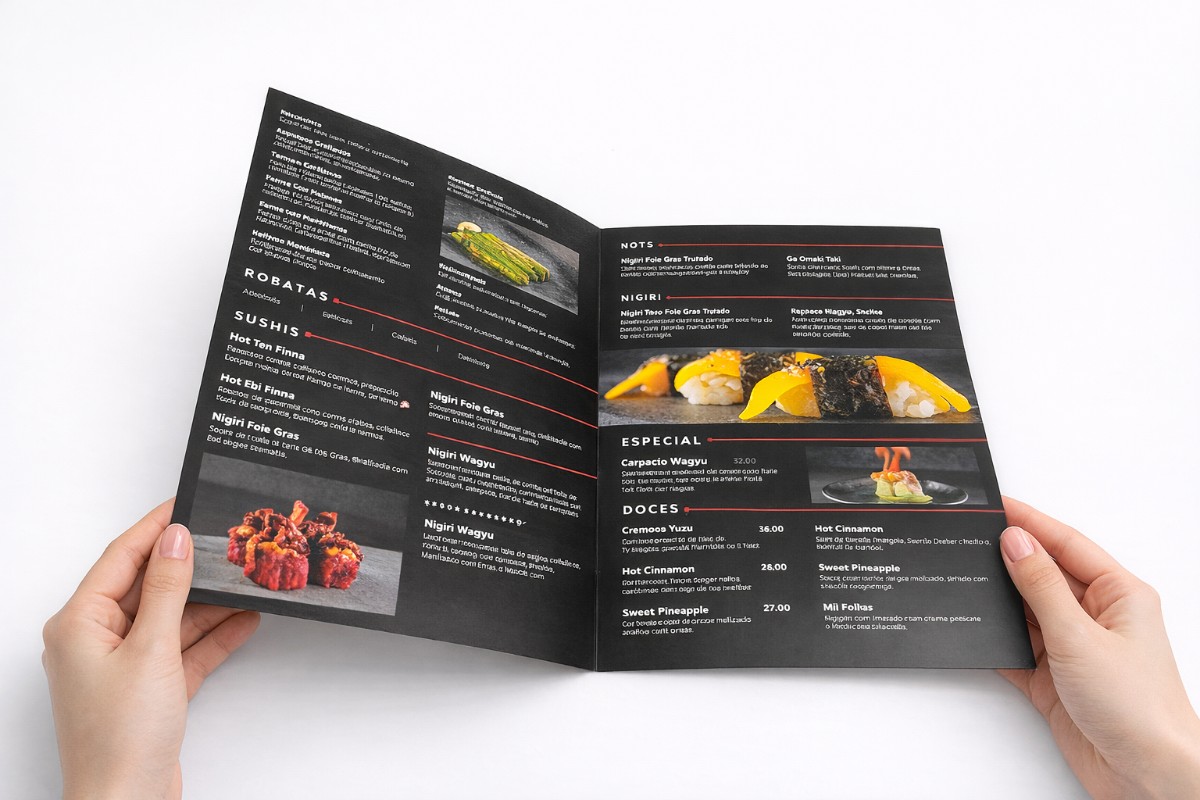
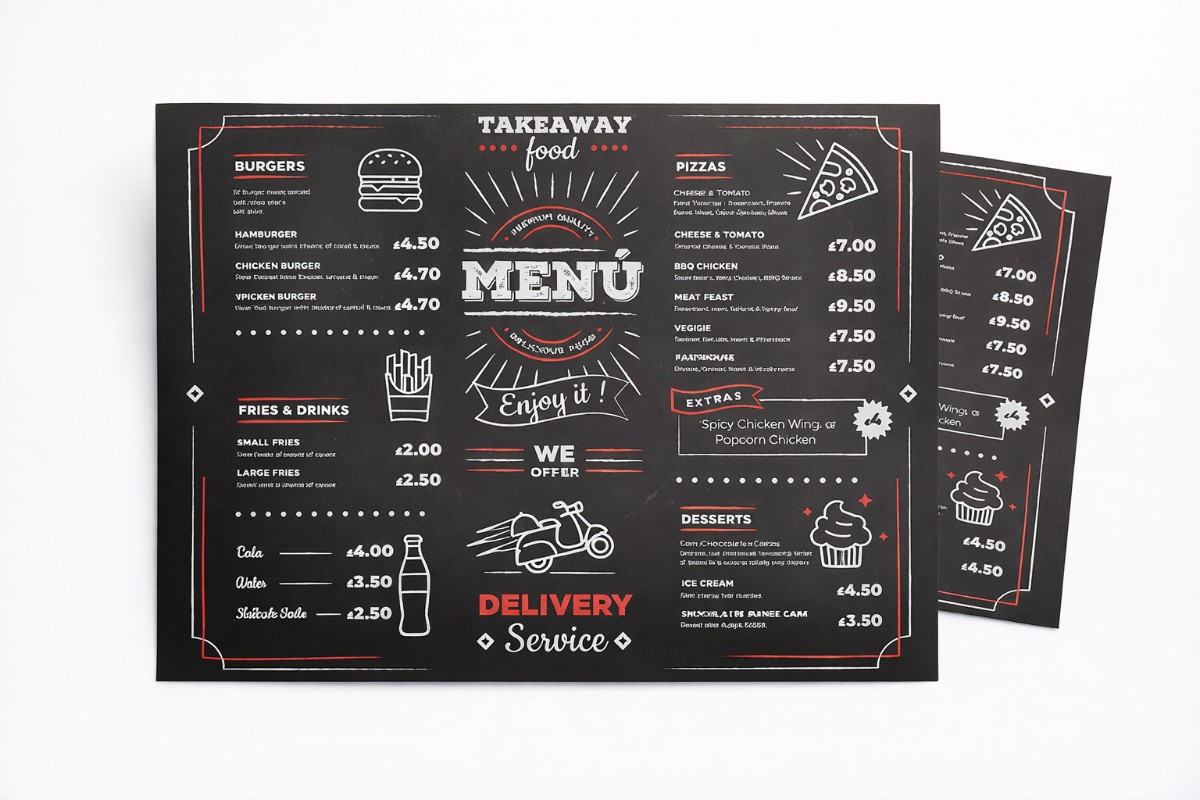
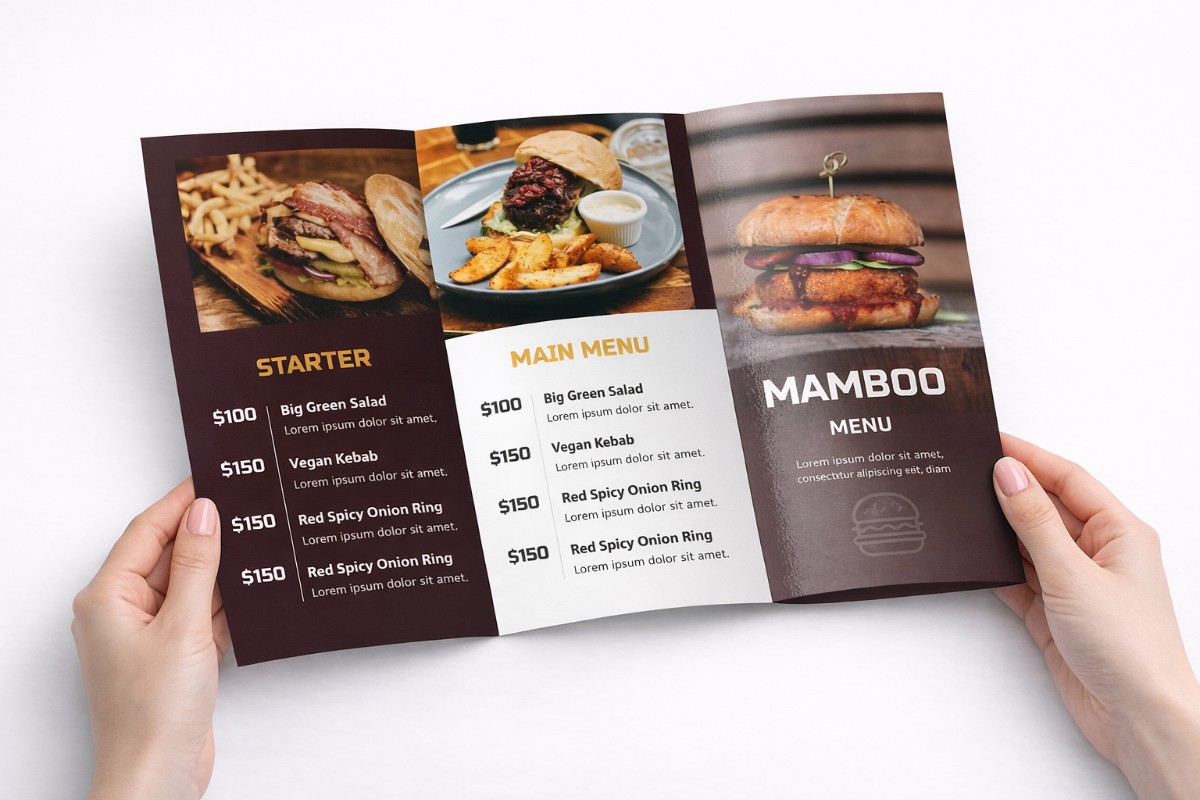
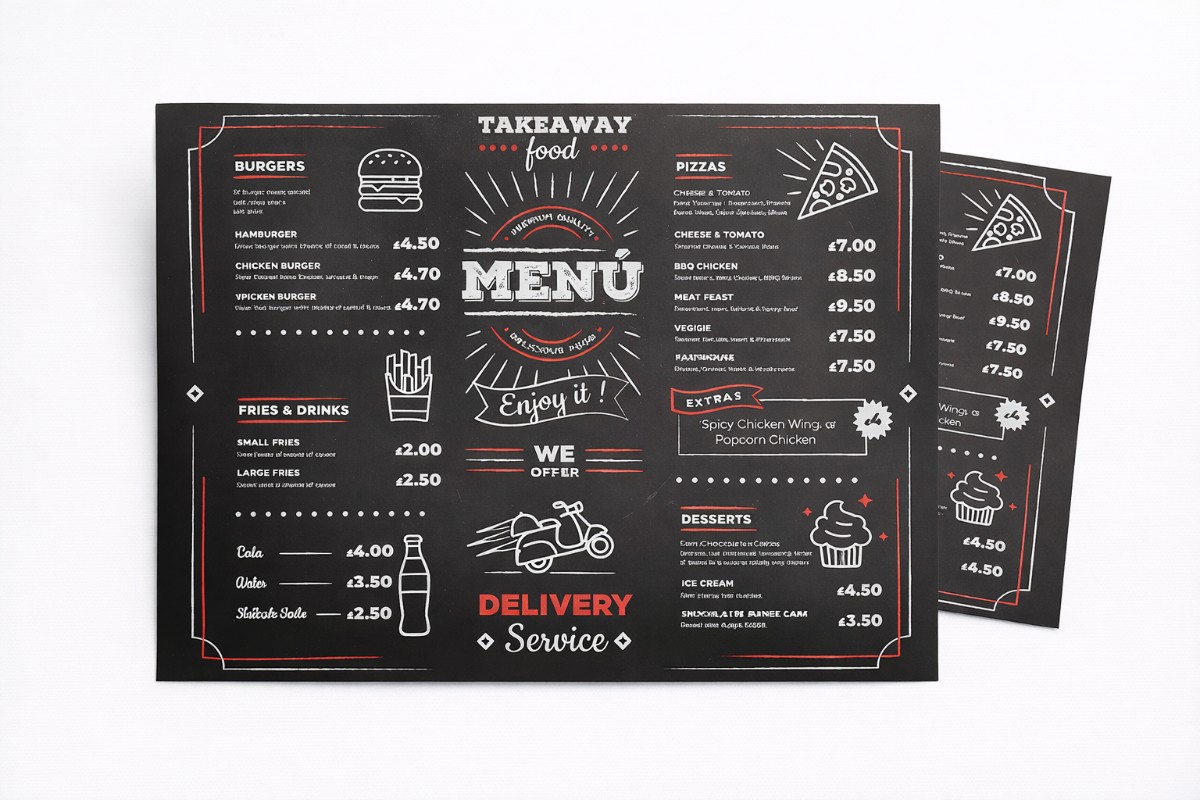
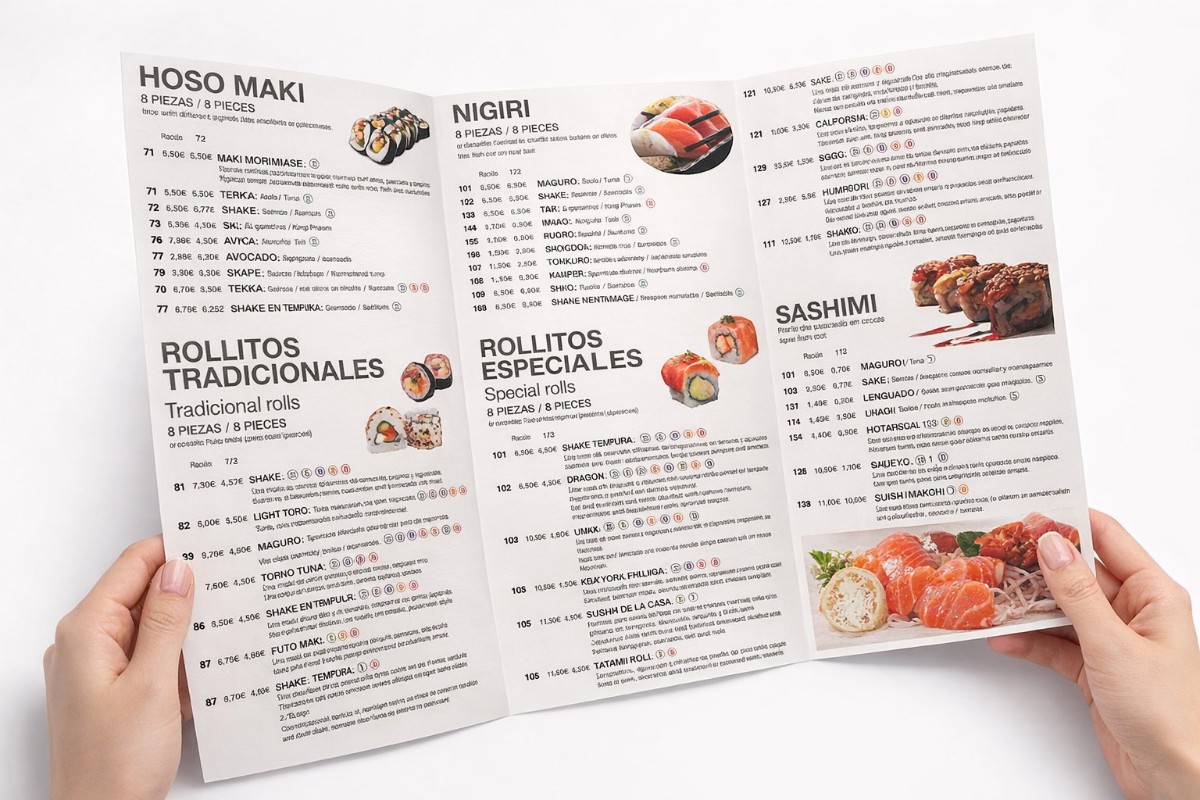
Restaurant Menu

0,00 

Present your menu with clarity, style, and durability.
Our restaurant menus are professionally printed to help your customers read easily, choose confidently, and enjoy a better dining experience.

Paper Stock i
Fast turnaround options are not available for laminated paper stock.
Size i
Fold i
Lamination
Quantity
Prices per 1 design/file.
Upload print-ready files (optional)
Drag & drop files or
Optional. Maximum 20 files.
Total

Description

Printed in-house using high-quality materials, our menus are designed for restaurants, cafés, bars, and food businesses that want a clean, professional presentation.


Key Benefits
  • Professional print quality

  • Easy-to-read layout with sharp text

  • Durable materials for daily use

  • Multiple sizes, folds, and finishes available

  • Printed in-house with fast turnaround


Paper & Material Options

  • Coated 200g – Light, clean, and cost-effective

  • Coated 350g – Thicker and more durable

  • PVC 0.4 mm – Waterproof and easy to clean (ideal for heavy use)


Available Sizes

  • A5

  • A4

  • A3


Fold Options

  • No fold

  • Half fold

  • Tri fold


Lamination Options

  • No lamination

  • Gloss lamination – Vibrant colours and shine

  • Matte lamination – Elegant, non-reflective finish


Ideal For

  • Restaurants & cafés

  • Bars & pubs

  • Takeaways

  • Hotels & food courts

  • Seasonal or promotional menus


Artwork & File Upload

  • Upload your print-ready files directly on the product page

  • A free file check is included to ensure the best result

  • Don’t have artwork ready? Talk to our designer


Why Choose Inkvasion Menus

  • Printed in-house (no middleman)

  • Clear pricing

  • Consistent, professional results

  • Fast production

Menus that look great, last longer, and elevate your brand.
Step 1 — Select Your Options First

Before creating your artwork, choose on the product page:

  • Paper stock: Coated 200g / Coated 350g / PVC 0.4mm

  • Size: A5 / A4 / A3

  • Fold: No fold / Half fold / Tri fold

  • Lamination: None / Gloss / Matte

👉 Your artwork must match the size and fold selected.


Step 2 — Create Your Artwork at the Final Size

Design your file at the exact size ordered (A5, A4, or A3).

Recommended setup:

  • CMYK colour mode

  • 300 DPI (recommended for sharp text and images)

  • Use high-quality images and logos (vector preferred)


Step 3 — Add Bleed and Safe Margin (Important)

To avoid white edges and trimming issues:

  • Add 3 mm bleed on all sides (if your background reaches the edge)

  • Keep important text and logos at least 5 mm inside from the trim edge

📌 Backgrounds should extend into the bleed area.


Step 4 — Fold Setup (If Selected)

🔹 Half Fold
  • Supply artwork as 2 panels (front/back)

  • Keep important text away from the fold line

  • Make sure the file is set as folded layout, not two separate pages unless specified

🔹 Tri Fold
  • Supply artwork as a tri-fold layout with 6 panels

  • Panel sizes may differ slightly depending on folding direction

  • If you’re unsure, upload your file and we’ll confirm the fold setup before printing

📌 Always double-check panel order so the menu reads correctly.


Step 5 — Export Your File Correctly

Recommended format:

  • PDF (print-ready)

Also accepted:

  • JPG / PNG (high quality)

Before exporting:

  • Convert fonts to outlines/curves

  • Flatten transparencies/effects when needed

  • Export in high quality (avoid “web” compression)


Step 6 — Upload Your File(s)

Upload your print-ready file(s) on the product page.

  • For no fold: upload 1 file (front) or 2 files if double-sided design

  • For folded menus: upload 1 multi-page PDF or clearly named files

Suggested file names:

  • Menu_Front.pdf

  • Menu_Back.pdf

A free file check is included with every order.


Step 7 — File Review & Production

  • We review your files before printing

  • If we find any issue (size, bleed, fold order), we’ll contact you

  • Production starts only after file approval

 Important Notes

  • We print exactly what is supplied

  • Low-resolution files may print blurred/pixelated

  • Colours may vary slightly between screen and print

  • Reprints due to artwork errors may incur additional costs

If you’re unsure, upload your file anyway and leave a note — we’ll help you review it.


Quick Checklist

  • Correct size selected (A5/A4/A3) ✔

  • CMYK ✔

  • 300 DPI ✔

  • 3 mm bleed (if needed) ✔

  • 5 mm safe margin ✔

  • Correct fold layout ✔

  • PDF export (recommended) ✔