Oil Services Labels

0,00 

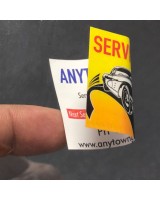
Clear, durable, and essential for vehicle maintenance reminders.
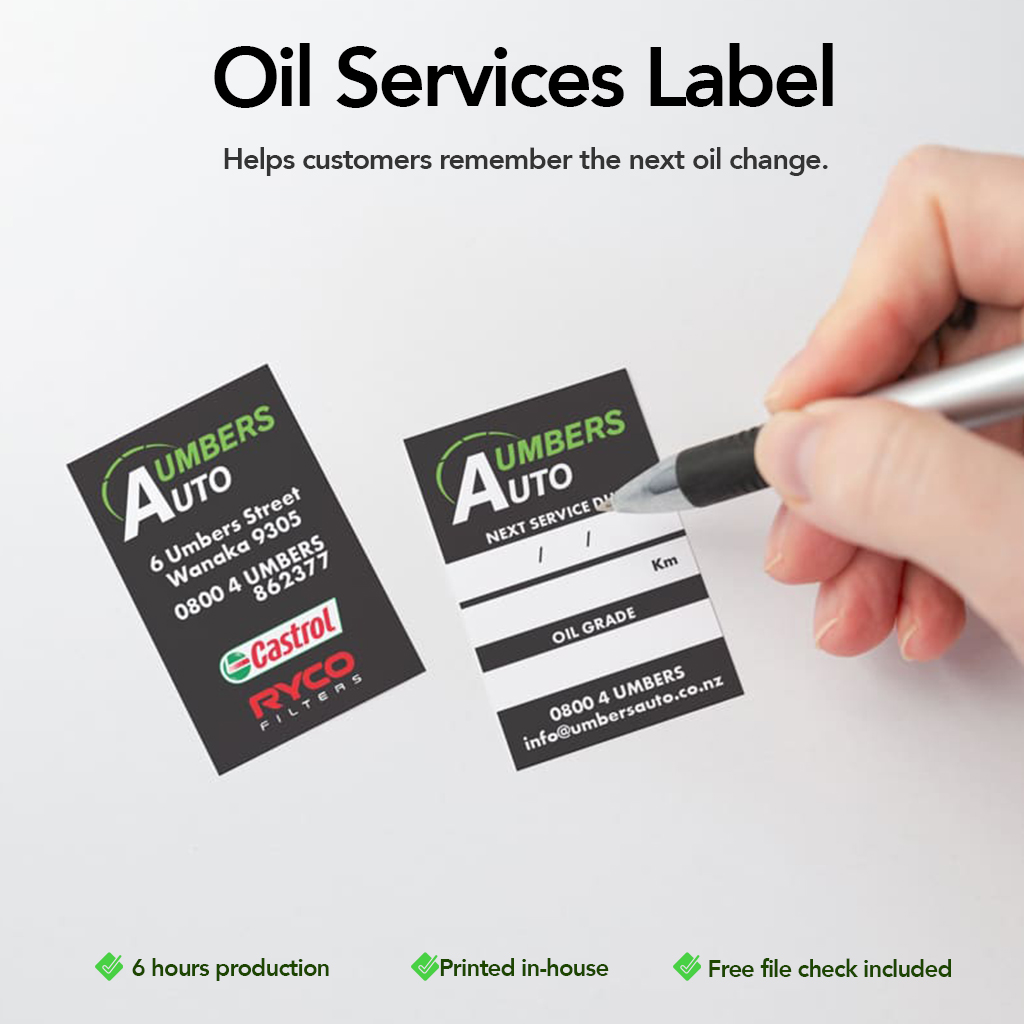
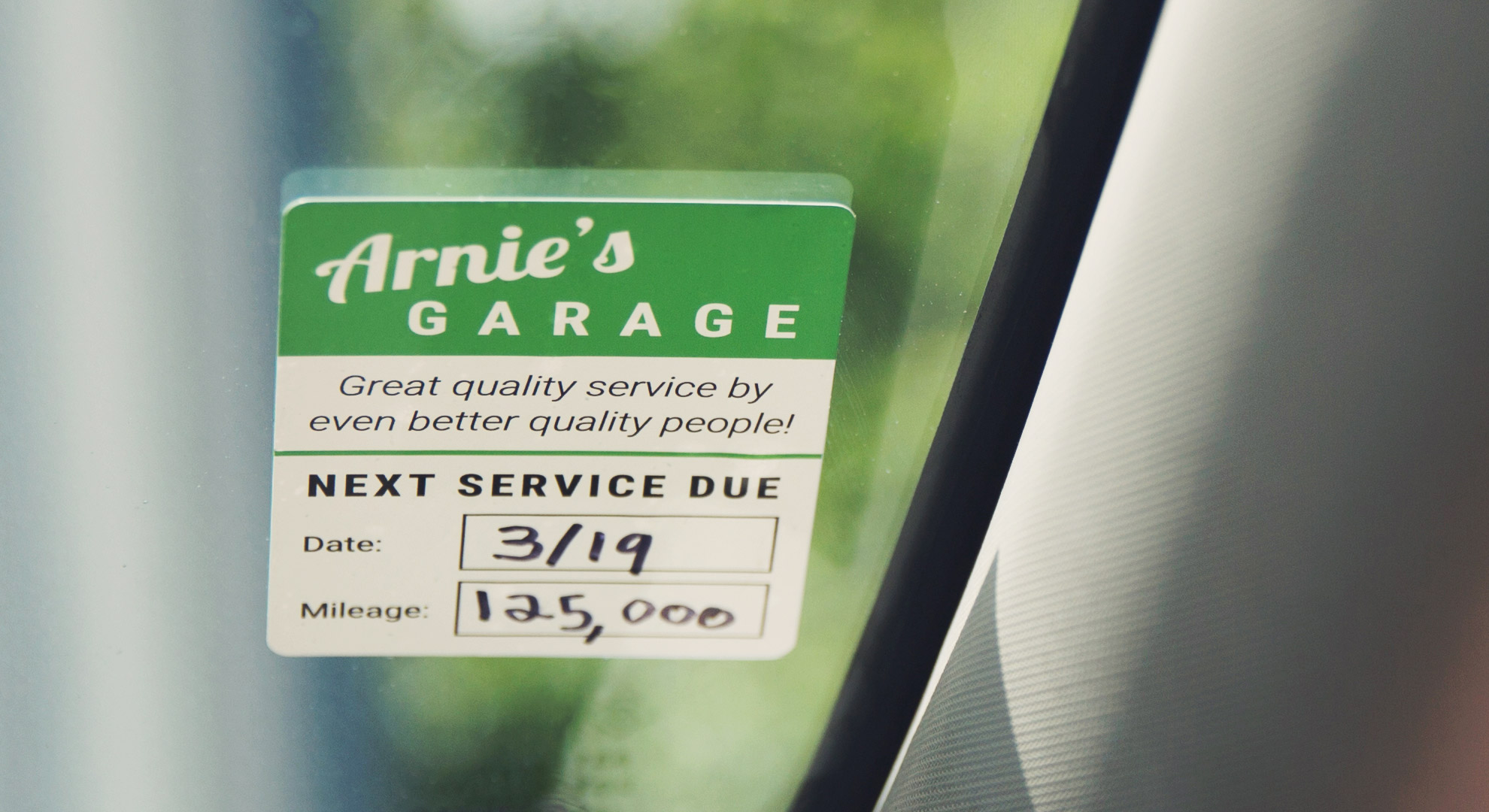
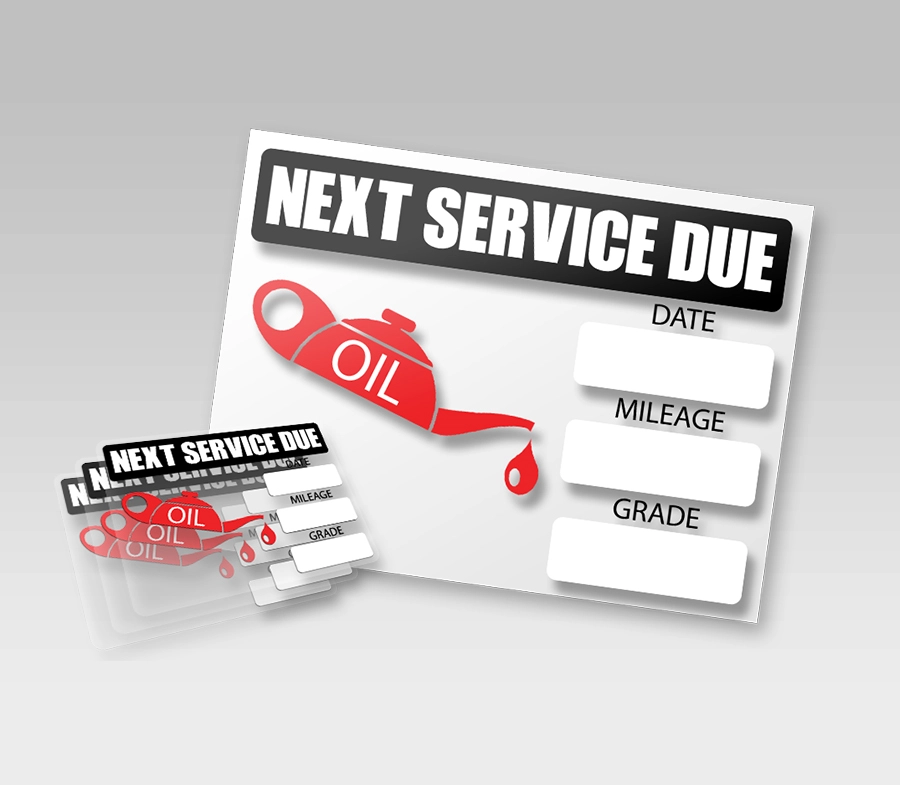
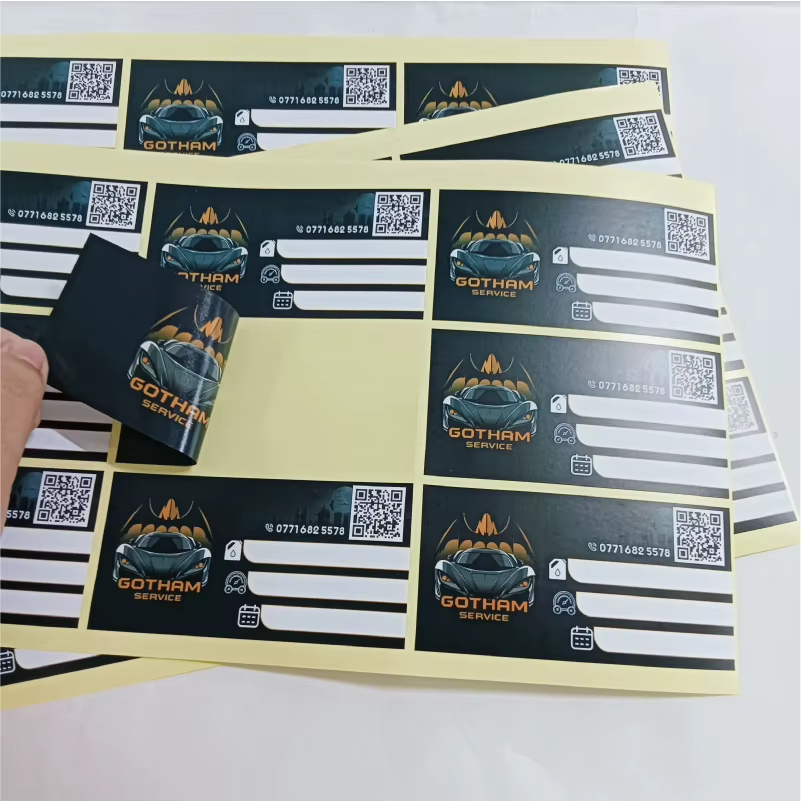
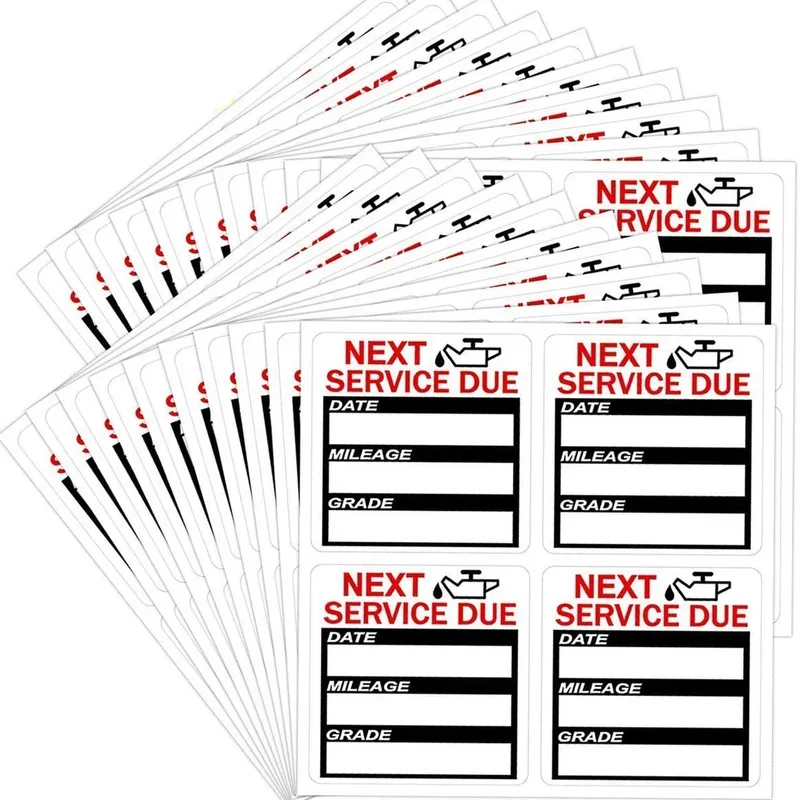
Our oil service labels are designed to help workshops, garages, and service centres communicate important oil change information clearly and professionally.

Size i
Printed Sides
Artwork
Turnaround
Quantity
Prices per 1 design/file.
Upload artwork (optional)
Drag & drop files or
Optional. Maximum 20 files.
Total

Description

Oil Service Label

Printed on high-quality adhesive material, these labels are easy to apply and remain readable over time, making them ideal for everyday automotive use.


Key Benefits
  • Clear oil change reminders for customers

  • Professional and easy-to-read layout

  • Strong adhesive for reliable application

  • Durable print for daily workshop use

  • Clean, professional appearance


Available Sizes

Choose the size that best fits your needs:

  • 5 × 5 cm

  • 7 × 7 cm

  • 9 × 9 cm

  • 5 × 7 cm

  • 5 × 9 cm


Ideal For
  • Car service centres

  • Mechanics and workshops

  • Oil change reminders

  • Fleet maintenance

  • Automotive businesses


Customisation Options
  • Add your logo and brand details

  • Space for mileage, date, and next service information

  • Clean layouts designed for quick writing


Artwork & File Upload
  • Upload your print-ready file directly on the product page

  • A free file check is included

  • Don’t have artwork ready? Talk to our designer


Why Choose Inkvasion Oil Service Labels
  • Printed in-house

  • Clear pricing

  • Professional, consistent results

  • Fast turnaround

A small label that delivers big value for your service and your brand.

How to Prepare & Send Your Files (Oil Service Labels – Front & Back)

To ensure your labels print correctly, please follow the steps below before uploading your artwork.


Step 1 — Choose Your Size

Select the label size on the product page:

  • 5 × 5 cm

  • 7 × 7 cm

  • 9 × 9 cm

  • 5 × 7 cm

  • 5 × 9 cm

👉 Your artwork must be created at the exact size selected.


Step 2 — Create Two Files (Front + Back)

This product requires two separate artworks:

  • Front (main label design)

  • Back (reverse side design)

📌 Make sure both files:

  • Have the same size

  • Use the same orientation (portrait/landscape)

Suggested file names:

  • OilLabel_Front.pdf

  • OilLabel_Back.pdf


Step 3 — File Setup (Best Quality)

Recommended:

  • Resolution: 300 DPI

  • Colour mode: CMYK

  • High-quality logos (vector preferred)


Step 4 — Bleed & Safe Margin (Recommended)

To avoid trimming issues:

  • Add 3 mm bleed if your background goes to the edge

  • Keep important text/logos at least 3–5 mm inside from the edge


Step 5 — Export Your Files

Recommended format:

  • PDF (print-ready)

Also accepted:

  • PNG / JPG (high quality)

Before exporting:

  • Convert fonts to outlines/curves

  • Flatten effects/transparencies when needed

  • Avoid “web” compression


Step 6 — Upload Both Files

Upload both the Front and Back files on the product page.

  • A free file check is included

  • If we find any issue, we’ll contact you before printing

  • Production starts only after file approval


Important Notes
  • We print exactly what is supplied

  • Low-resolution files may appear blurry/pixelated

  • Colours may vary slightly between screen and print

  • Reprints due to artwork errors may incur additional costs

If you’re unsure, upload your files anyway and leave a note — we’ll help you review it.


Quick Checklist
  • Correct size selected

  • Two files: Front + Back

  • Same orientation

  • CMYK

  • 300 DPI

  • Bleed/safe margin respected

  • PDF export