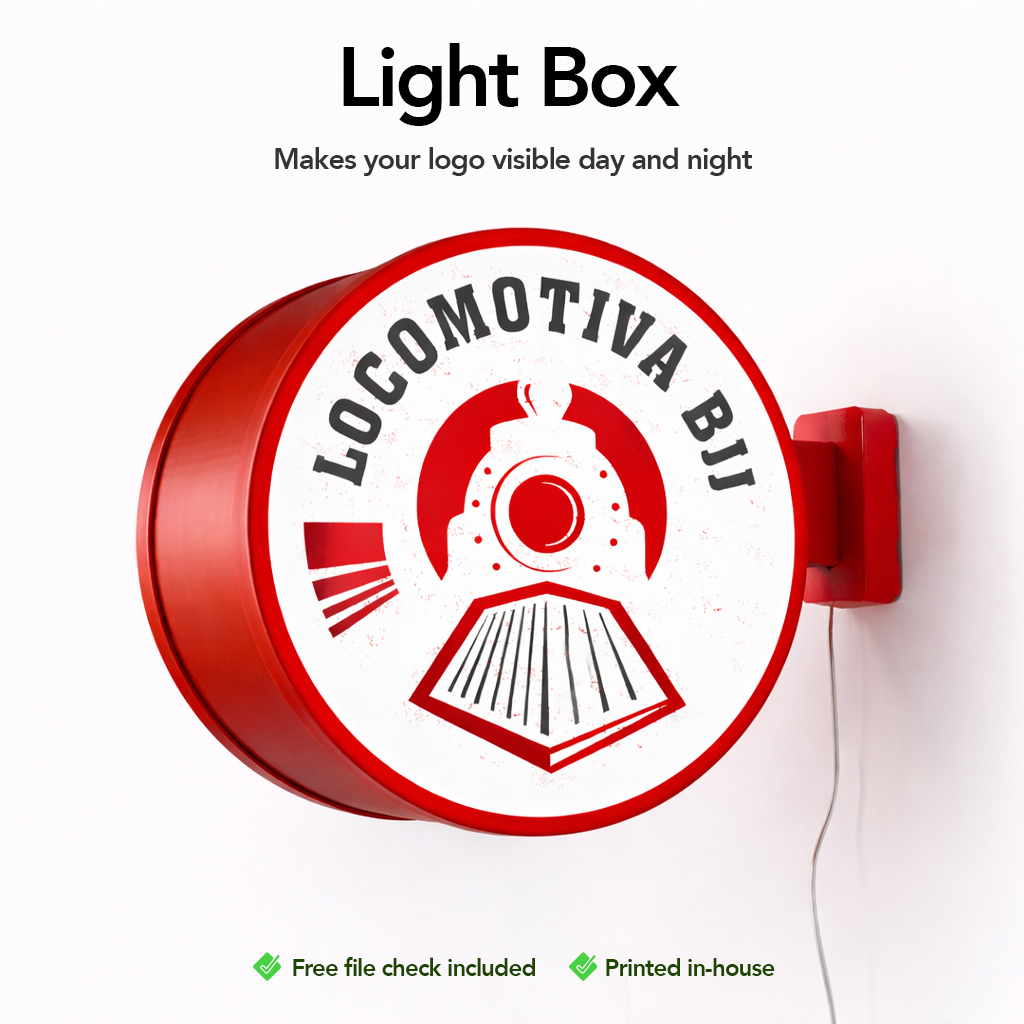
Light Box

0,00 

Stop being invisible.
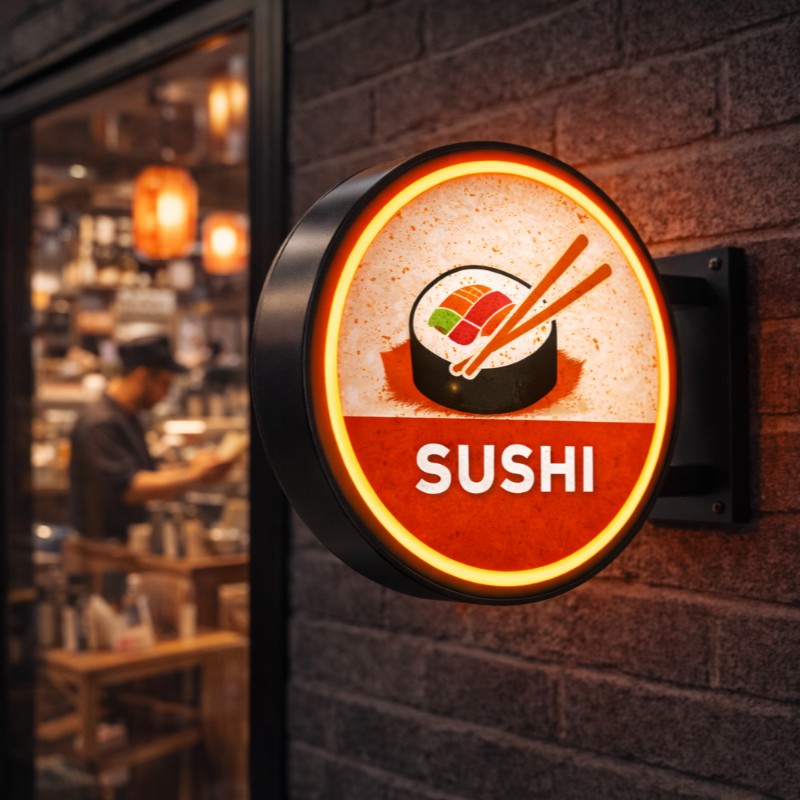
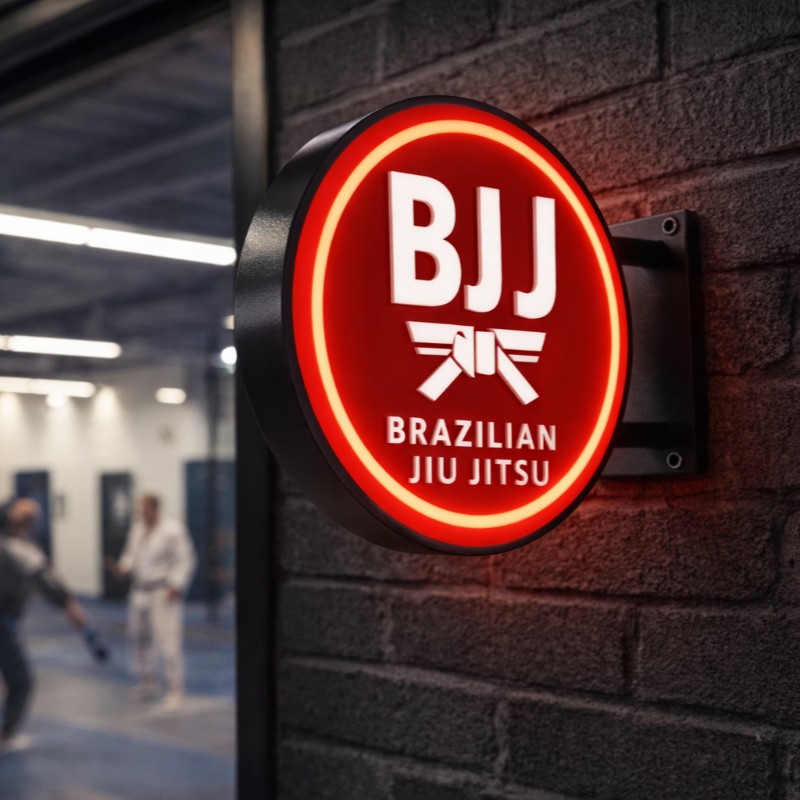
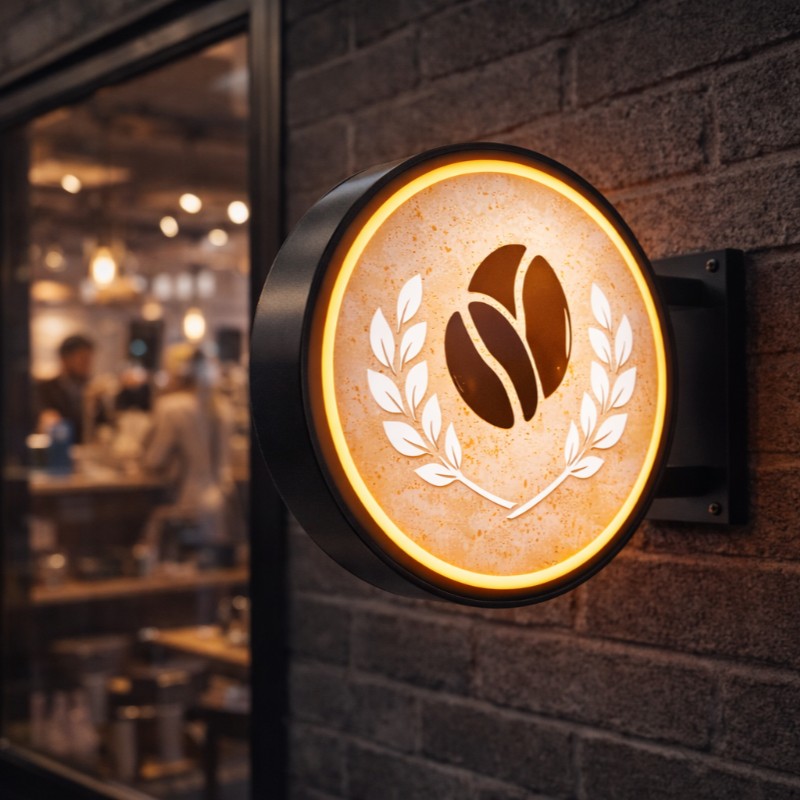
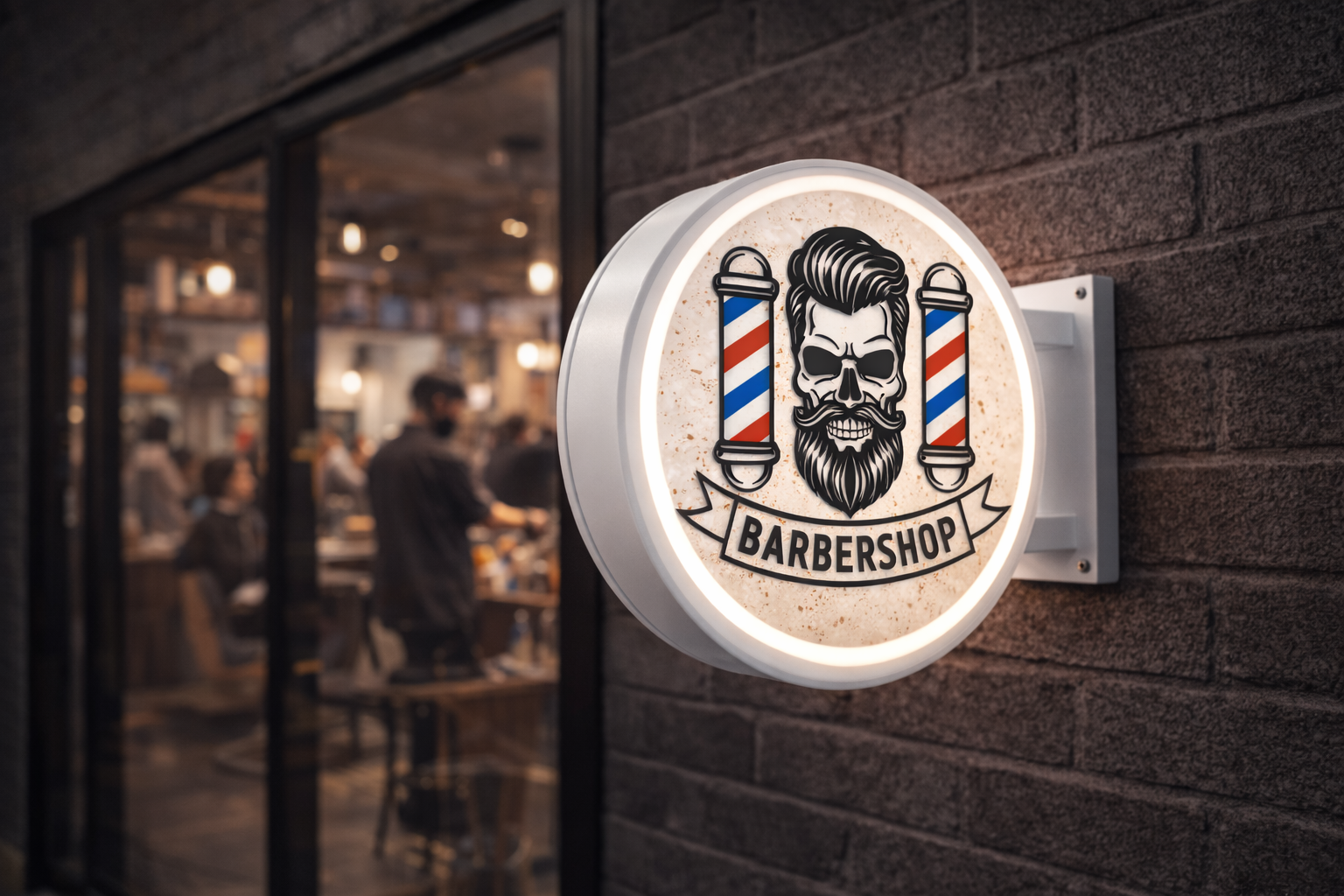
Our Custom Light Box is built to grab attention, elevate your brand, and instantly make your space look professional and premium.

Light i
Color i
Quantity
Prices per 1 design/file.
Upload your artwork (optional)
Drag & drop files or
Optional. Maximum 20 files.
Total

Description

This is not decoration.
This is visual impact.

 Product Highlights

  • Diameter: 30 cm – the perfect size to stand out without overpowering the space

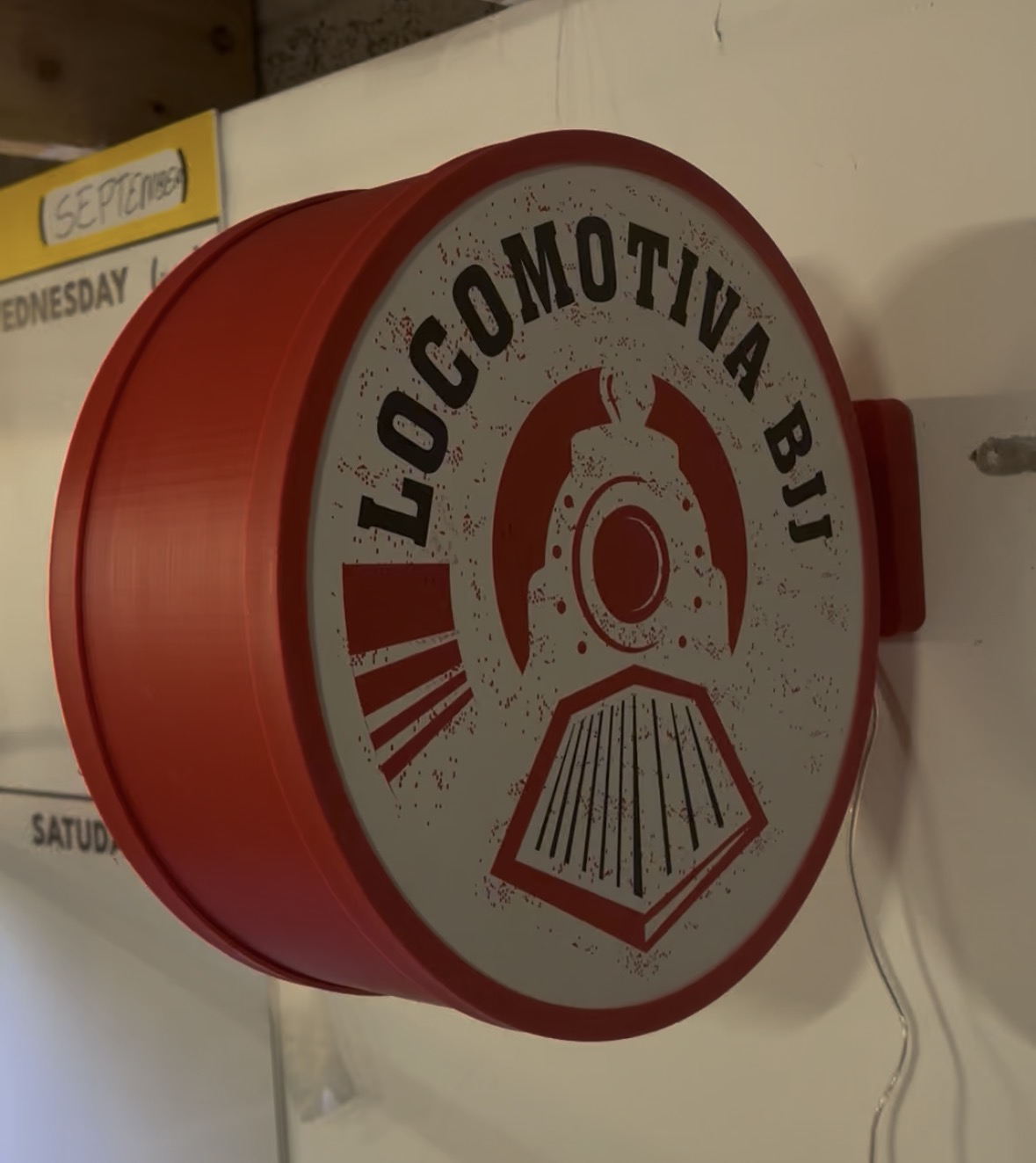
  • 3D Printed PETG Structure – strong, durable, heat-resistant, made to last

  • Translucent Acrylic Front Panel – smooth, even light with zero hotspots

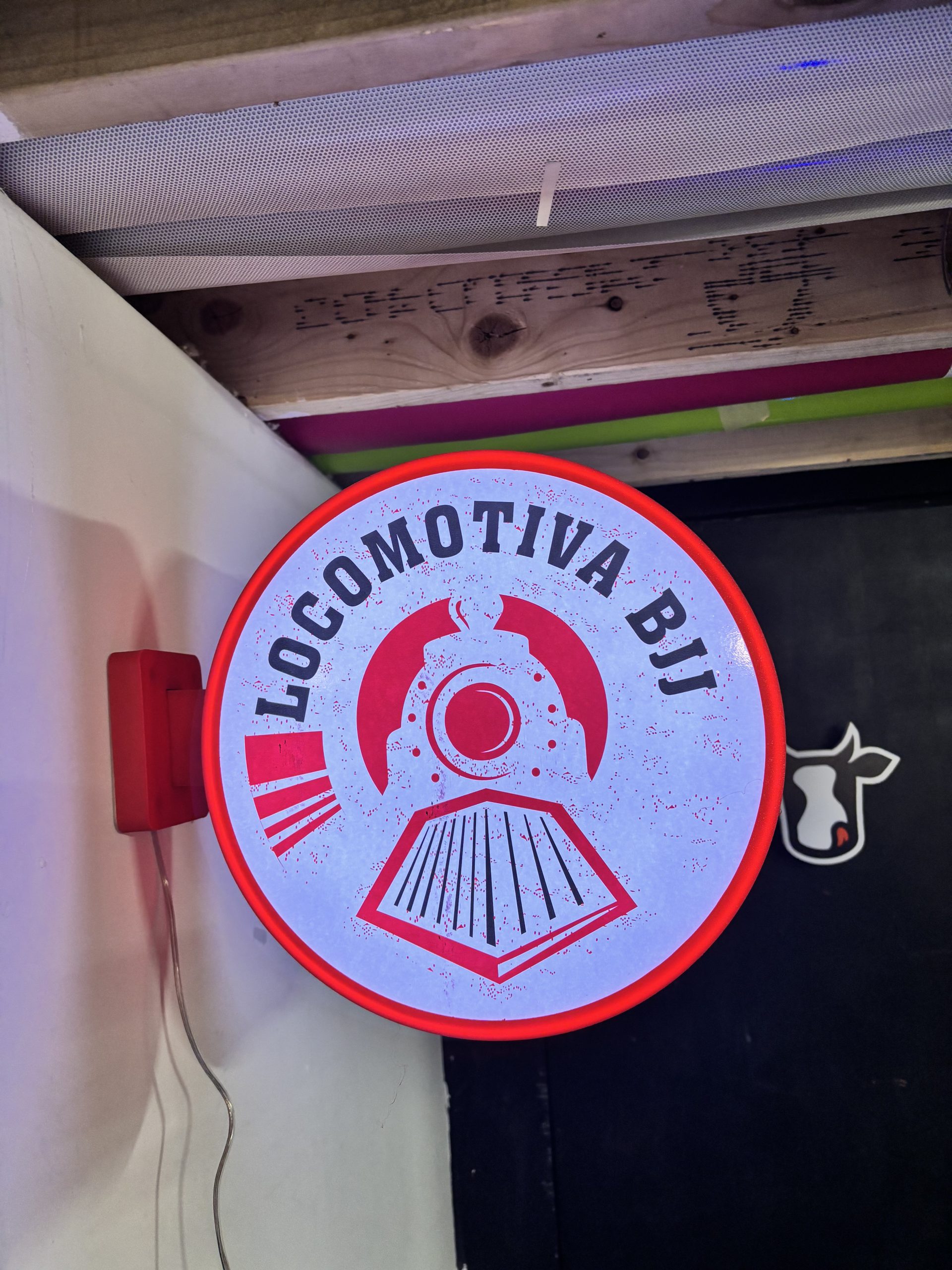
  • LED Lighting – low voltage, energy-efficient, bright and reliable

  • Wall-Mounted – clean install, no hassle

  • Finish Options: White, Black or Custom Colour

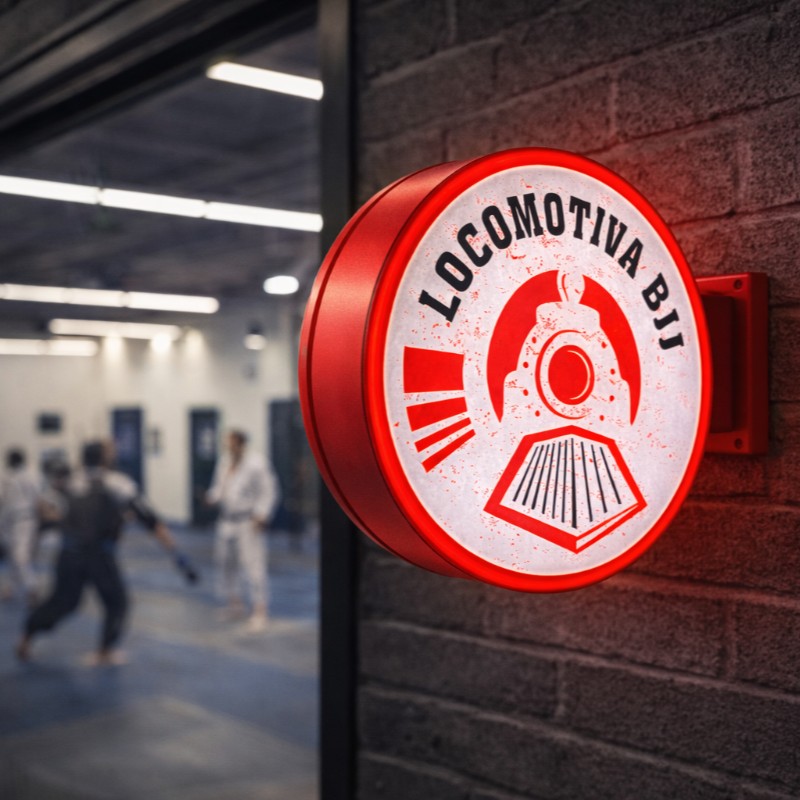
  • Indoor Use – ideal for shops, studios, offices and branding walls

 Choose Your Version

  • With LED lighting – maximum impact, day and night (BEST SELLER)

  • Without LED – decorative version

Why This Light Box Works

Makes your logo visible from a distance
Instantly upgrades your brand image
Clean, modern and professional look
Custom-made to fit your business
Lightweight, durable and easy to install

If you want people to notice your brand, remember it, and trust it — this is the sign you need.

Turn your logo into a statement. Order your custom Light Box now.
How to Create & Send Your Artwork (Custom Light Box – 30cm Circle)

To ensure your light box prints perfectly and fits the final cut, please follow the steps below.


Step 1 — Create Your Design at the Correct Size (Mandatory)

Your artwork must be a circle with 30 cm diameter.

  • Final size: 30 cm (300 mm) diameter

  • Create your file at actual size (do not scale later)

📌 If your file is not 30 cm, it may be resized and affect quality or alignment.


Step 2 — Set Up Your File Correctly

For the best print result:

  • Resolution: 300 DPI recommended

  • Colour mode: CMYK

  • Background: transparent or solid colour (your choice)


Step 3 — Keep Important Elements Inside a Safe Area

To avoid trimming issues, keep logos/text slightly away from the edge.

  • Leave at least 10 mm margin from the outer edge

  • Avoid placing small text too close to the border

👉 This prevents important details from being cut off.


Step 4 — Use Strong Contrast (Recommended for Light Boxes)

Because the sign may be viewed with illumination:

  • Use bold shapes and clean lines

  • Avoid very thin details

  • Ensure good contrast between text and background

📌 Highly detailed designs may lose clarity when backlit.


Step 5 — Export Your File

Recommended format:

  • PDF (best option)

Also accepted:

  • PNG (high quality)

  • JPG (high quality)

Before exporting:

  • Convert fonts to outlines/curves

  • Flatten effects and transparencies when needed


Step 6 — Upload Your Artwork

Upload your file directly on the product page.

  • A free file check is included

  • If anything needs adjusting, we’ll contact you before production

  • Production starts only after file approval


Important Notes

  • We print exactly what is supplied

  • Low-resolution files may appear pixelated or blurry

  • Colours may look different on screen vs the final illuminated sign

  • Reprints due to artwork errors may incur additional costs

If you’re unsure, upload your file anyway and leave a note — we’ll help you review it.


Quick Checklist

  • 30 cm circle (300 mm) ✔

  • CMYK ✔

  • 300 DPI ✔

  • Safe margin (10 mm) ✔

  • PDF/PNG/JPG high quality ✔

Light box Template